

Examples
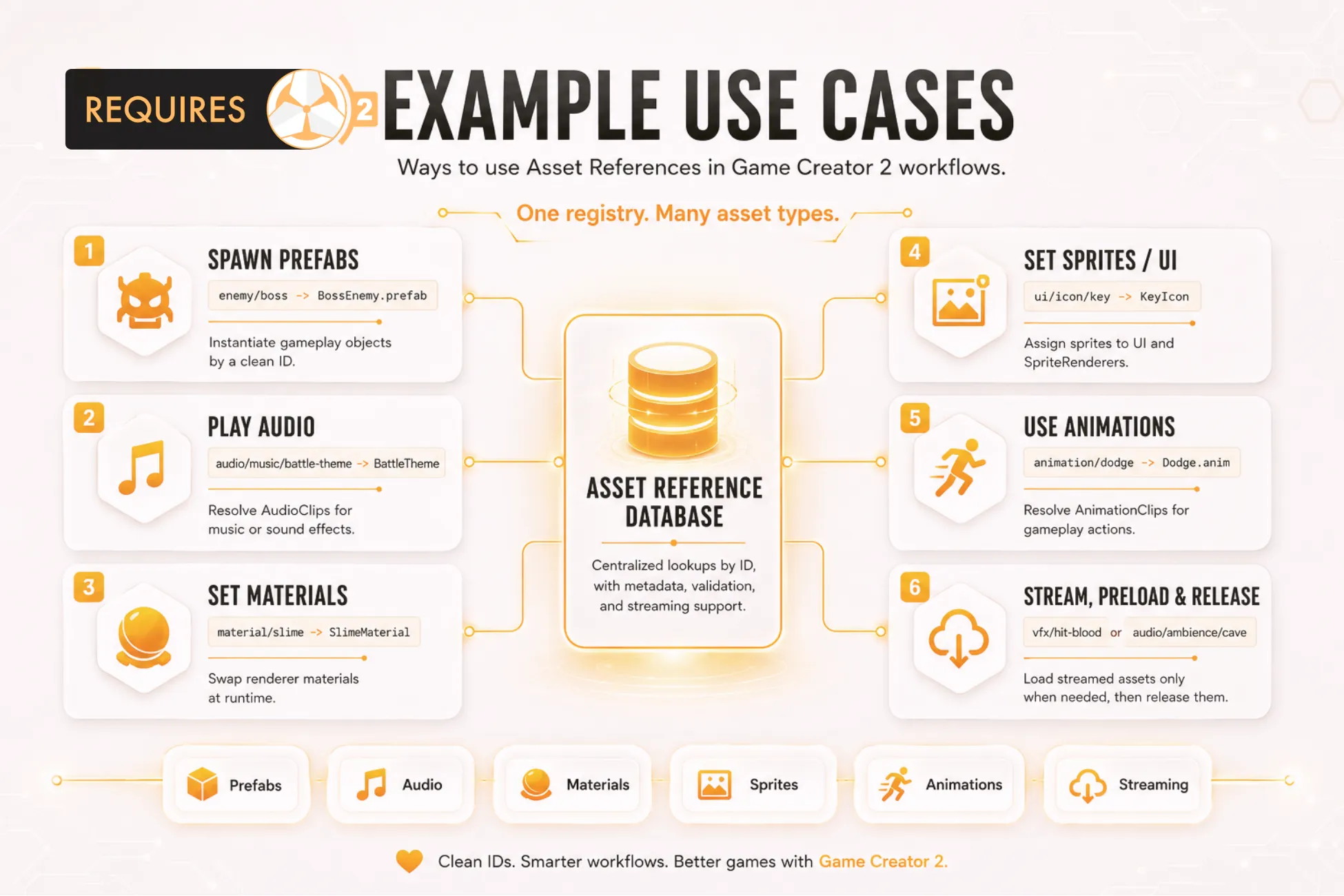
These patterns cover the most common Asset References workflows.
Direct AudioClip
Section titled “Direct AudioClip”Register HitImpact.wav as audio-hit-impact, then select it from the Audio Clip property in
Play Sound Effect.
AudioClip clip = AssetReferences.Get<AudioClip>("audio-hit-impact");Prefab spawn
Section titled “Prefab spawn”Register a prefab as prefab-boss-enemy and instantiate it after a safe lookup.
if (AssetReferences.TryGet("prefab-boss-enemy", out GameObject prefab)){ Instantiate(prefab, spawnPoint.position, spawnPoint.rotation);}Streamed material
Section titled “Streamed material”Set a large optional material to Streamed, choose the Manual preload policy, and load it when a
scene or encounter needs it.
AssetReferences.Preload("material-boss-arena");Material material = AssetReferences.Get<Material>("material-boss-arena");Release it after the sequence when the entry uses manual release.
AssetReferences.Release("material-boss-arena");Variable-driven reference
Section titled “Variable-driven reference”Create a local Asset Reference variable named current-music, set it with
Set Local Asset Reference, and resolve it through a compatible variable-backed Asset Reference
selector.
Scene reference
Section titled “Scene reference”Register a Scene asset and use Resolve Scene Asset Reference to assign its build index to a Number
property or variable.
Resolve to a variable
Section titled “Resolve to a variable”Use Resolve Sprite Asset Reference, Resolve Audio Asset Reference, or the corresponding
type-specific Instruction to resolve a registered asset and assign it to a Game Creator property or
variable without custom code.
Implementation note
Section titled “Implementation note”Include the required using directives in custom scripts, handle failed lookups, and preload
Streamed entries before resolving them synchronously.